Pair and Manage Remotes
PRIORITYwave can store up to four paired remotes. Use the Paired Remotes screen to add a new remote or remove one you no longer use.
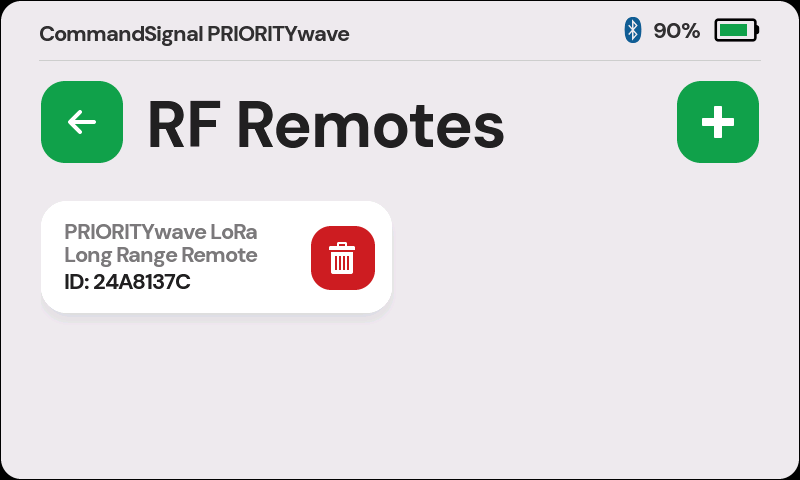
Pair a Remote
- Open
Settings. - Tap
Paired RF Remotes. - Tap the
+button. - When the Pair a Remote screen appears, press the button on the remote.
- Wait for the success message.
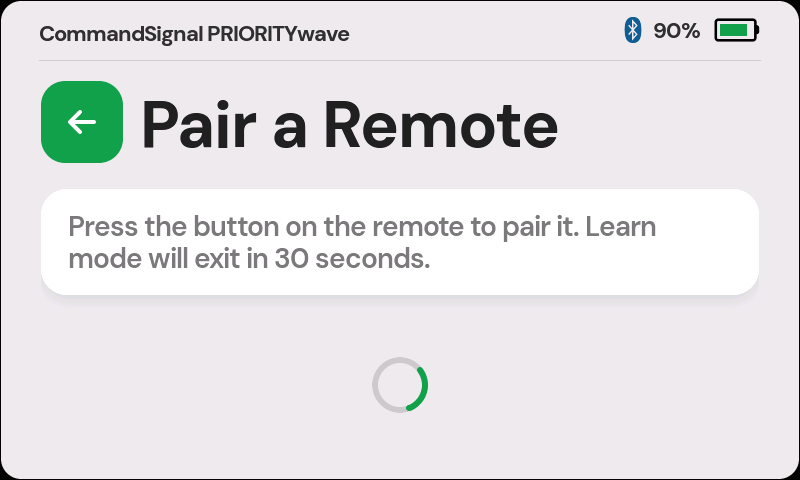
Pairing Fails or Times Out
If pairing fails, move the remote closer and try again. If all four remote slots are full, delete an unused remote before pairing another one.
Delete a Remote
- Open
Settings. - Tap
Paired RF Remotes. - Tap the delete button on the remote card.
Deleting a remote removes it from the receiver. It must be paired again before it can send commands.
Remote Activity Indicator
When a paired remote sends a command, its card flashes briefly on the Paired Remotes screen. This helps identify which remote was just used.