Manual Control
Manual Control lets you advance the signal straight from the touchscreen — handy when a remote isn't nearby or its batteries have run out.
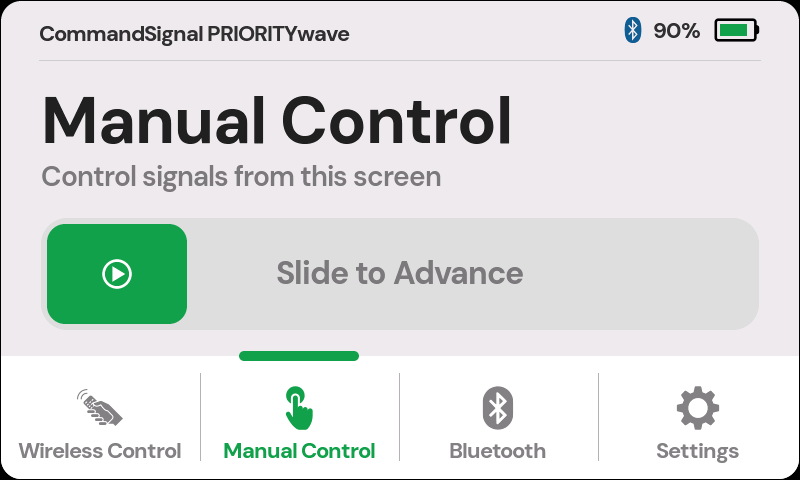
Send an Advance
- Tap
Manual Controlin the bottom navigation. - Drag the Slide to Advance control all the way to the right.
- Watch the signal.
The slide gesture is intentional — it can't fire from a stray tap or a bump.
When the command fires, you'll hear the relay click and see the traffic-light icon appear in the status bar.
To protect the battery, this screen goes dark after 2 minutes without a touch —
even if Screen Off After is set to Always On. Tap once to wake it.
Two timing notes:
- After each advance the receiver waits out its cooldown — 2 seconds by default (Advance Cooldown) — before it accepts another. A slide during the cooldown doesn't fire, and the screen won't flag it: if you don't hear the click or see the traffic-light icon, wait a moment and slide again.
- If the controller is mid-way through pedestrian clearance or another safety interval, the lights won't change until that finishes. That's the controller doing its job, not a fault — see How Signal Timing Works.
important
The touchscreen doesn't replace cabinet manual mode. The cabinet must be switched to manual for any advance — touchscreen, remote, or app — to affect the signal.