Update Firmware
Firmware updates are delivered through the CommandSignal app over Bluetooth — there's nothing to download to a computer or copy to a card. Pair your phone, and the app tells you when an update is available. The app side is covered in Update Firmware in the app guide.
Once you start an update from the app, the receiver takes over and shows its progress on screen.
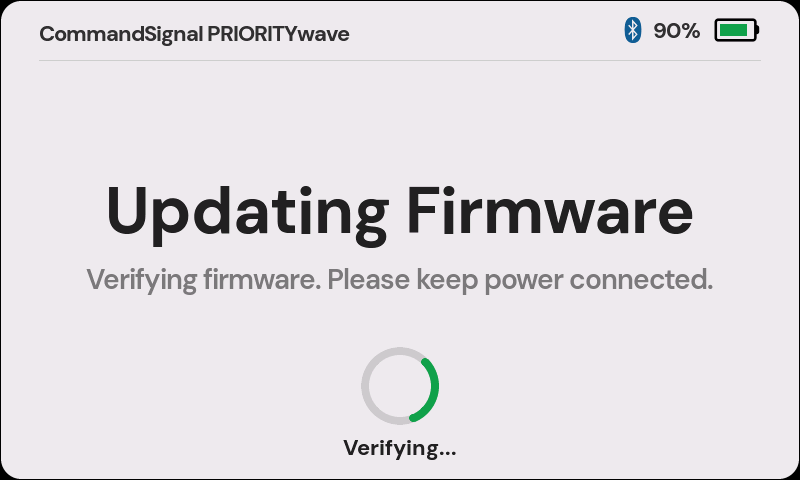
While an Update Installs
Just two rules:
- Keep the receiver powered — leave it on, and plug in USB-C if the battery is low.
- Keep the phone nearby with the app open until it finishes.
The screen walks through the transfer percentage, verification, and a restart at the end. The whole thing takes a few minutes.
Pick a Quiet Moment
The receiver won't start an update while it's busy sending commands, so update between deployments — not while you're actively controlling traffic. You can't advance the signal while an update installs.
If an Update Fails
Updates are verified before they're applied, so a failed or interrupted update won't leave the receiver broken — it keeps running its current firmware.
- Keep the device powered and give it a minute to restart on its own.
- Try the update again from the app.
- If it still won't complete, note any on-screen message and contact support.