Product overview
PRIORITYwave Traffic Control System
Here we'll walk through how to set up, operate, and troubleshoot your PRIORITYwave receiver.
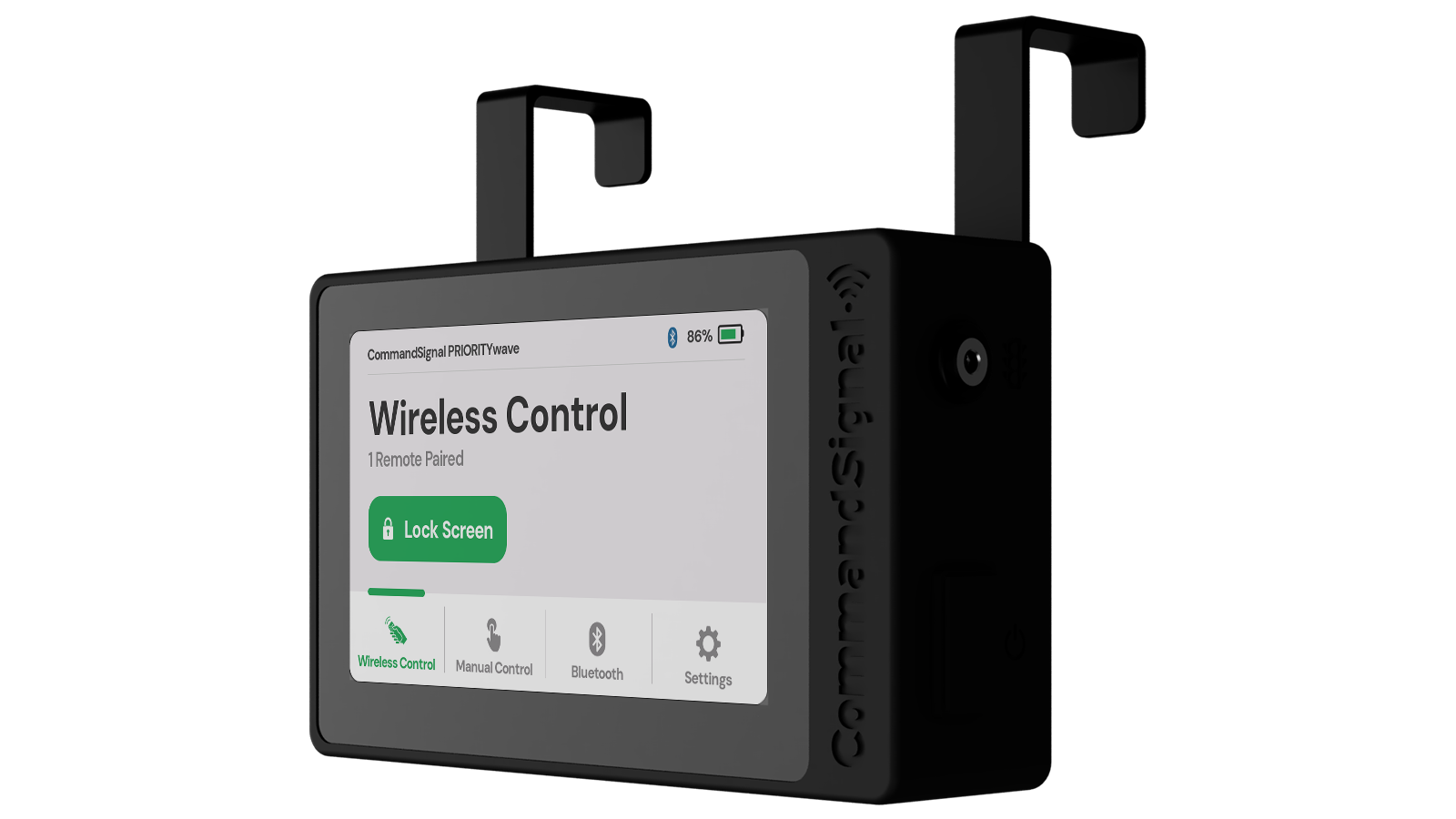
Before using the system
PRIORITYwave is intended for trained, authorized personnel. Review Safety and Authorized Use and follow your agency's traffic control procedures before operating the system.
Where to Start
New setupGet the receiver readyPower on the receiver, connect it to the cabinet, and send your first command.Daily operationControl the signalUse paired remotes, the CommandSignal app, or the touchscreen.Need help?Troubleshoot a problemWork through common power, connection, remote, Bluetooth, and cabinet issues.
Explore PRIORITYwave
- Set up the system: Getting Started, Device Basics, and How Signal Timing Works
- Operate the receiver: Wireless Control, Manual Control, and PIN Lock
- Connect other devices: LoRa Remote and Bluetooth Pairing
- Maintain the system: Settings, Advanced Settings, Update Firmware, Troubleshooting, and Warranty and Support