Mobile app
CommandSignal App
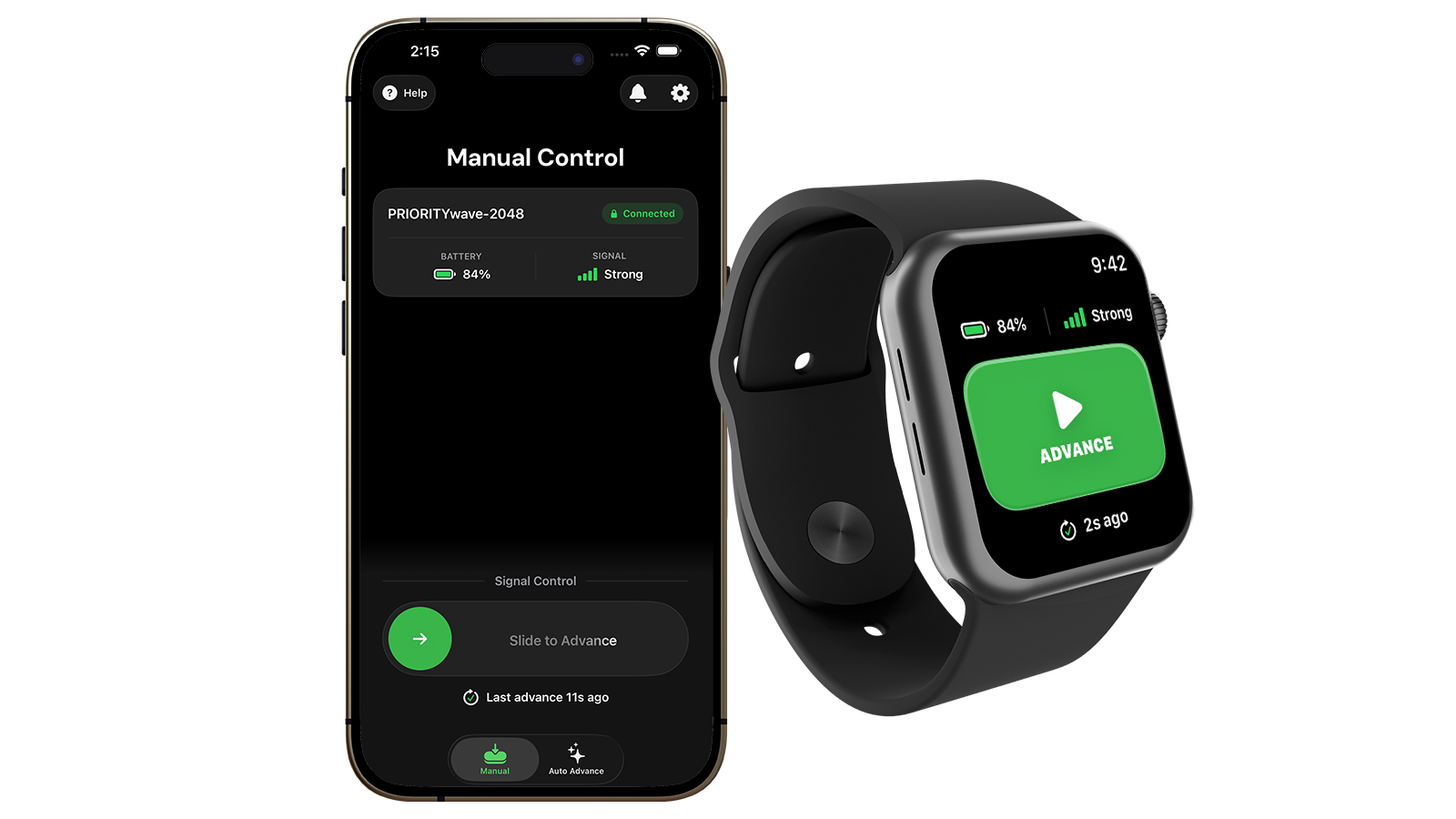
Turn your phone into a PRIORITYwave remote. Pair over Bluetooth, check battery and signal strength at a glance, advance the signal with a slide, and install firmware updates — from iPhone, Android, or right from your wrist.
Supported Platforms
- iPhone — iOS 17 or later.
- Android — Android 10 or later.
- Apple Watch — watchOS 10 or later, paired with a supported iPhone.
- Wear OS — paired with a supported Android phone.
- Garmin — a wide range of Garmin watches, working alongside the phone app (see Garmin Control).
The iPhone and Android apps share the same layout and workflows, so this guide applies to both — screenshots alternate between platforms, and we call out the rare differences.
Start Here
- Getting Started — download the app and pair your first receiver.
- Manual Control — the main operating screen.
- Troubleshooting — when something isn't connecting.
Then branch out to Auto Advance, watch control (Apple Watch, Wear OS, Garmin), settings and notifications, and firmware updates.